KLASE Controls
Official PC keys and mobile buttons for dash, parry, heavy, slam, stomp, Glory, and crouch.
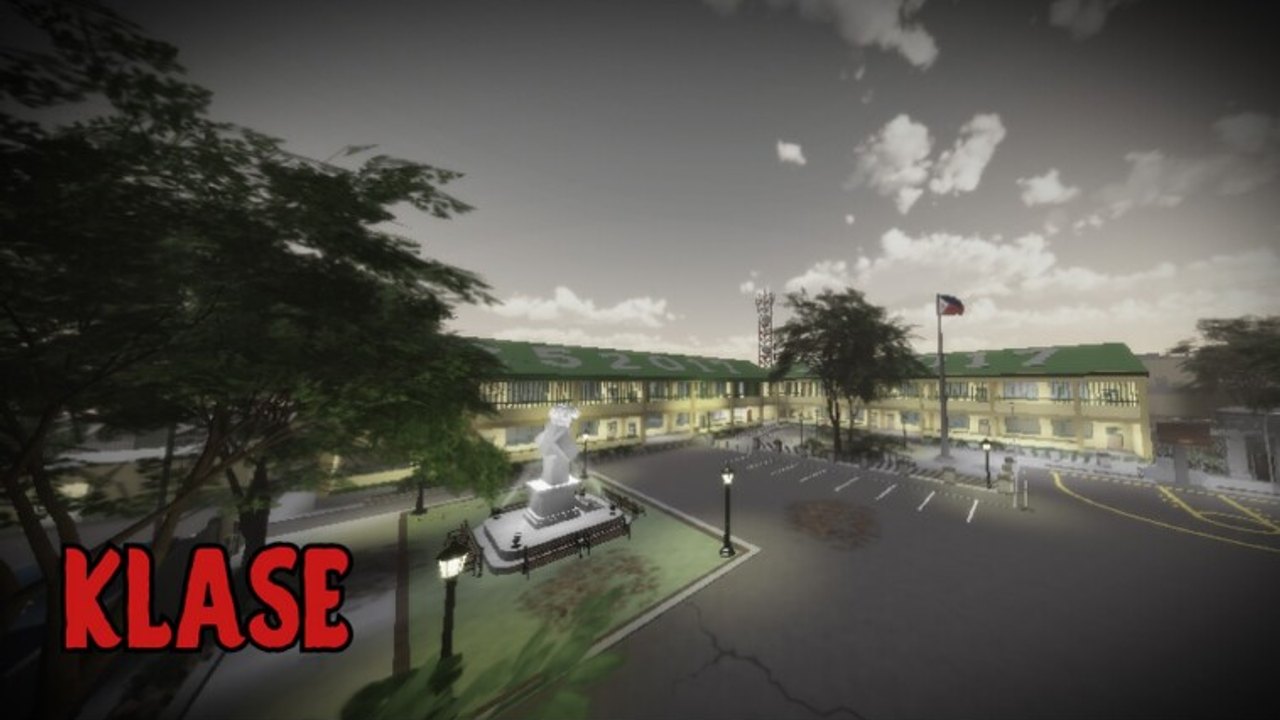
KLASE publishes a short control list on the Roblox description and does not add a second unpublished kit in any official patch note. This page is the full table for PC and mobile, plus what each named action is for on a 50-player Philippine campus. If you have not spawned yet, read Getting Started first. If you already know the keys and want spacing, skip to KLASE Combat. Keep the Guides Hub for the rest of the tree.
The creator is bertingkuno (display name berting). KLASE is the school-class successor to Kalye Impyerno. Players who still remember the street-fight binds will mash the wrong keys here. Read the remap section before you blame lag.
Official combat keys (PC)
| Key | Action | What it is for |
|---|---|---|
| T | Stomp | Follow a crouched, grounded, or desk-jammed opponent. Not a long-range opener. |
| Q | Dash | Close a gap, leave a pile, or change angle around the statue and flag. |
| E | Glory Finisher | Close a fight that is already won. Do not lead a 1v3 with it. |
| G | Slam | Committed downward hit when someone is boxed in, low, or stuck in an aisle. |
| R | Heavy attack | Slower committed swing. Punish a whiff or a missed dash. |
| F | Block / parry | Defend, then punish. Timing lives on the parry page. |
| Ctrl | Crouch | Low profile behind desks, bait a high swing, change height. |
Standard Roblox movement still applies:
| Input | Action |
|---|---|
| W A S D | Move |
| Space | Jump |
| Mouse / right stick | Camera |
Those movement inputs are not unique to KLASE. The seven combat keys above are. This wiki does not add left-click strings, extra finishers, or carry binds that belonged to Kalye Impyerno. If a video shows a key that is not in the table, treat it as unofficial until the Roblox description changes.
Mobile buttons
Mobile uses on-screen buttons for the same named actions. The labels should match the PC list: Stomp, Dash, Glory, Slam, Heavy, Block/Parry, Crouch, plus the virtual thumbstick and jump. Place your thumbs so Dash (Q on PC) and Block/Parry (F on PC) are reachable without covering the camera. In a classroom, you need parry more than a fancy camera spin. On the courtyard, you need dash more than a second stomp button hunt.
If a button is missing after a Roblox UI scale change, leave and rejoin the public server, then check Latest Updates in case a patch moved the HUD. Do not invent a second gesture. The official kit is the named actions, not a hidden swipe.
Console players join KLASE through Roblox. Map the same action names onto the pad you already use for movement and jump. There is no separate console-only movelist on the Roblox page.
What each move is for
Dash (Q) is the most important key on a 50-player campus. You use it to enter a 1v1 on the edge of the courtyard, to leave when a third uniform appears from the green-roof building, and to cross classroom doorways without walking the center aisle. Dash is not a damage button. If your whole plan is dash into Glory, you will donate the finisher to the next student who walks in.
Heavy (R) is the honest committed swing. Use it when you see a whiff, a missed slam, or someone who dashed into a desk. Heavy is a poor panic button in a doorway because the animation is long enough for two other players to join.
Slam (G) is the downward committed hit. It is more useful in classrooms, where desks already limit escape, than in the open flag area, where anyone can walk around you. Slam into a wide courtyard 1v1 is a read; slam into a packed aisle is often just the next hit in a pile.
Stomp (T) follows. Crouched players, people already on the floor, and anyone jammed between desks are the targets. Stomping a full-health runner on the lawn is how you get punished. Pair stomp with the routes on KLASE Combos, not with a sprint from spawn.
Glory Finisher (E) ends a fight that is already over. The name is the guide: it is a finisher. Pressing E while two other students are still swinging is how you lose the stock you just earned. How to Win spends a whole section on not overcommitting this key.
Block / parry (F) is the reason aggressive players do not own every server. Hold or tap to not eat the committed buttons above. The difference between a late block and a timed parry, and what you do after, is How to Parry. This controls page only tells you the key exists and that it is not stomp.
Crouch (Ctrl) is posture, not a teleport. Behind a desk it breaks some camera tracking and sets stomp/slam reads. In the middle of the courtyard it is a gift. Jump remains ordinary Roblox jump; do not treat it as an extra combat key.
Kalye Impyerno remap
If you played the street-fight predecessor, your hands are lying to you. Kalye Impyerno used G for finisher, F for stomp, V for carry, R for heavy, and Ctrl for crouch. KLASE keeps heavy on R and crouch on Ctrl, then rebuilds the rest: T stomp, Q dash, E Glory, G slam, F block/parry. Carry is not on the KLASE list. Dash and parry are new relative to that older layout. Spend a minute in an empty corner pressing F and confirming you block instead of stomp.
Practice order
- Movement and camera until you can circle the statue without walking into the flag fight.
- Dash in a straight line, then dash at an angle. Straight dashes are readable.
- Block/parry against a single opponent, not a pile.
- Heavy on a whiff. Slam only when the other player is already boxed.
- Stomp as a follow. Glory only after the follow worked.
- Crouch behind a classroom desk, stand, heavy or dash out.
That order matches how Getting Started spends the first session. After the keys feel boring, KLASE Combat teaches when to pick heavy versus slam versus stomp in furniture and in 50-player chaos. KLASE Combos puts the keys in routes. How to Win is patience and groups, not a new bind.
Related tools and lists
Keep a control sheet on a second monitor if you still glance down. Before a focused session, run the fight checklist. Move strength, as players currently use it, is on the moves tier list. Playstyle labels live on Playstyles, Aggressive, Defensive, and Builds.
Controls do not change because someone posted a script. If you ever look at client extras, start at script safety and Scripts, not at a promise of new keys. Combat scripts are not a substitute for Q and F. Patch notes that actually change binds would appear on Latest Updates and Update History. As of September 2026 the Roblox description is still the seven keys in the table above.
When the seven keys are boring, you are ready to fight. Open a public server, stand on an empty courtyard edge, and press F ten times until it is clearly a guard, not a stomp. Then take one perimeter 1v1 using only dash, heavy, and leave. If a patch ever reprints the Roblox description, this table is the first page to update; until then, do not add a secret eighth combat key because a clip looked fancy.
Frequently Asked Questions
Quick answers for KLASE combat, codes, and campus fights.
What are the official KLASE controls on PC?
T stomp, Q dash, E Glory Finisher, G slam, R heavy attack, F block/parry, Ctrl crouch, plus WASD, jump, and camera. That list is the Roblox description.
How do KLASE controls work on mobile?
On-screen buttons fire the same named actions as the PC keys. Put Dash and Block/Parry where your thumbs can reach them in a classroom.
Is left click or carry part of the official kit?
No unpublished punches or carry binds are on the Roblox list. Carry was a Kalye Impyerno command. This wiki does not add it to KLASE.
Why does F not stomp anymore?
KLASE remapped the street-fight predecessor. F is block/parry. Stomp moved to T. Glory moved to E. Slam took G.
Where do I practice these keys?
An empty courtyard edge for animation length, then a real 1v1. Use Getting Started for the first session and How to Parry once F is in muscle memory.