KLASE Control Cheat Sheet
Official PC keys in one table, plus a mobile note. Screenshot it before you join a 50-player campus server.
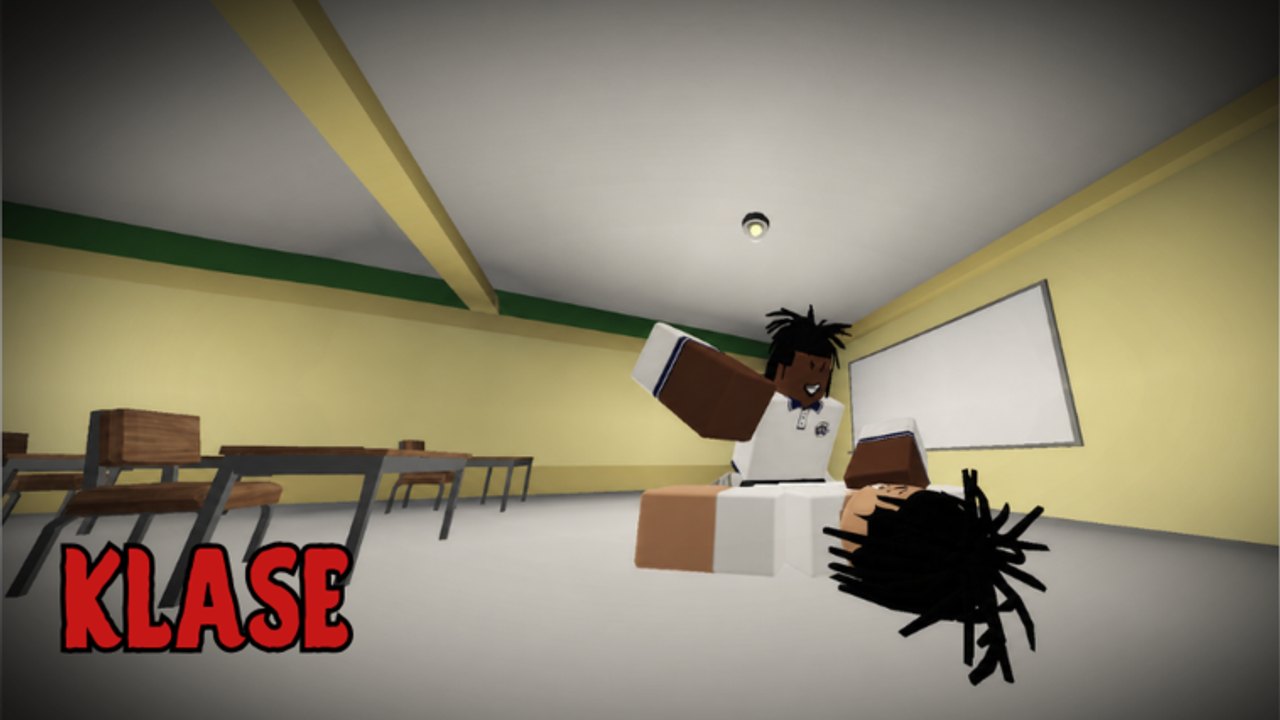
This sheet is the printable-style reference for KLASE’s official fight keys. It is built from the public control line on the game page, not from a leaked bind file. Screenshot it, print it, or leave the tab on a second monitor. Then go fight on campus instead of opening the description every death.
KLASE (Filipino / Tagalog for “class”) is an R6 battleground on a Philippine school map. The creator bertingkuno put the kit in the description so new players could start without a tutorial maze. If a patch changes a key, this table will change. Until then, treat it as the live map.
Official PC fight keys
| Key | Action | Use it for |
|---|---|---|
| T | Stomp | Finish or pressure a grounded exchange when the stomp actually connects |
| Q | Dash | Leave a bad courtyard, enter a room, or dodge a committed heavy |
| E | Glory finisher | The high-reward closer — do not spend it on the first chip |
| G | Slam | Committed vertical or packed-room pressure |
| R | Heavy attack | Slower hit that asks for a read or a dropped parry |
| F | Block / parry | Your answer to heavies and greedy finishers |
| Ctrl | Crouch | Smaller profile, desk peek, less obvious silhouette in a classroom |
Those seven are the KLASE-specific line. Standard Roblox movement still applies on PC: WASD to walk, Space to jump, mouse to look. Those are platform defaults, not extra KLASE keys the creator listed. If your jump or walk feels wrong, check Roblox’s own settings before you assume the place remapped them.
How to read the sheet in a fight
F is the default defensive thought. If you remember one row, remember parry/block. The how to parry guide is the lesson; this row is the reminder.
Q is the default escape and entry. Dash is not infinite. Spend it to break a courtyard spray or to commit through a door, not as a nervous tick.
R is a decision. Heavies lose to a ready F. Throw R when you have a reason.
T and G are situational. Stomp and slam are on the official list because they matter, but they are easy to panic-press in a 50-player pile. If you mash them on standing players and nothing happens, you did not find a secret combo. You found a miss. Practice in a quieter classroom, then take them back outside.
E is expensive in attention. Glory finisher is a named key. The fight checklist tells you not to waste it. This sheet only needs you to remember which key it is so you do not hit slam by accident.
Ctrl is information. Crouch behind desks, under window lines, and when you do not want your full R6 silhouette in a door. It will not save you from a player who already has ESP; that is a script safety problem. Against fair players, crouch still works.
Mobile and touch
KLASE runs on Roblox, so phones and tablets can join the same 50-player servers. This wiki has not been given an official labeled mobile layout (no creator diagram of which on-screen button is stomp versus slam). Do not trust a random overlay image that invents button names.
On mobile, look for on-screen action buttons that match the same seven actions. After spawn, tap each one once in a safe pocket of campus and watch the character: which control dashes, which one raises a guard, which one crouches. That ten-second test is your personal mobile sheet. If a button is hidden, open the Roblox settings and any on-screen edit mode Roblox provides for experience buttons. We will not invent a KLASE-specific editor that the place has not documented.
Touch parry is harder than keyboard F because your thumb is also on the joystick. If you play mobile, consider a claw grip only if you can still camera-look. The combat guide still applies; the input is just clumsier.
Practice order (both platforms)
- F until a heavy from a bot-like rusher (or a willing friend) does not free-hit you.
- Q until you can leave a courtyard without dashing into a second group.
- R as a punish, not a jab.
- Ctrl in a classroom with desks.
- T and G when you can see they connect.
- E last, on purpose.
That order is a tool, not a rank. The moves tier list argues value. This sheet only stops you from never touching stomp because heavy is easier to find.
Print / screenshot tips
Zoom the table, capture the official seven rows, and keep WASD notes off the print if you already know them. Tape it under a monitor if you are new. On mobile, a screenshot in your camera roll is enough. Update the image if latest updates says a key changed.
Do not overlay a third-party keycaster that also ships a script. If you want a clean session, this HTML table is the overlay. Pair it with the Tools Hub and the fight checklist so keys and habits sit together.
Related learning, not extra keys
The controls guide is the prose version of this table. Combos is what you attempt after the keys are in muscle memory. Getting started is for the first hour on campus. None of those pages add unofficial binds. If a YouTube “KLASE binds” video shows extra keys, it is either Roblox defaults or a different game.
When you are done staring at the sheet, join the place from the official KLASE game page and test one row per life. A cheat sheet that never leaves the wiki tab is just wallpaper.
Frequently Asked Questions
Quick answers for KLASE combat, codes, and campus fights.
What are the official KLASE controls?
T stomp, Q dash, E glory finisher, G slam, R heavy attack, F block/parry, Ctrl crouch. The table on this page is the cheat sheet. Details also live in the controls guide.
Is there an official mobile button map?
Not one this wiki can publish. Match on-screen buttons to the same seven actions after spawn. Do not download a third-party overlay; see script safety.
Can I rebind the keys in KLASE?
No custom KLASE bind menu is documented here. Use Roblox's own movement settings for look and walk, and treat T/Q/E/G/R/F/Ctrl as the fight kit.
What should I pin next to this sheet?
The fight checklist and, if you still mix up parry timing, how to parry.
Where is the rest of the tools section?
The Tools Hub indexes this sheet and the checklist. Guides stay under the Guides Hub.