Redeeming KLASE Codes
No codes UI is confirmed yet. Use this spawn checklist if a Codes button or gift field appears later.
This page is a redeem checklist for a feature KLASE has not confirmed. There is no verified Codes button, shop gift field, or chat command as of September 2026, and the Codes Hub still shows an empty active table. Read these steps so you know where to look after a patch, not so you can type invented strings into thin air.
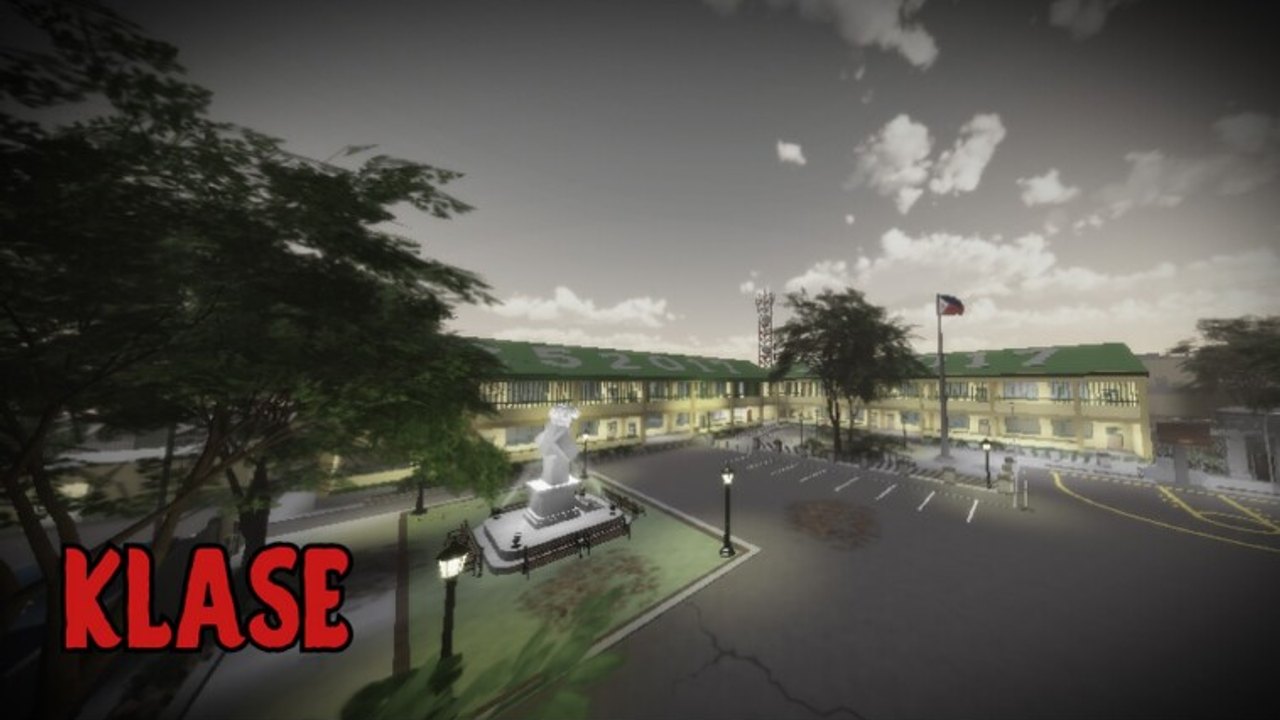
KLASE drops you into a Philippine school campus with classrooms, R6 avatars, and up to 50 players in a server. The official description teaches the fight kit (T stomp, Q dash, E glory finisher, G slam, R heavy attack, F block/parry, Ctrl crouch). It does not teach a redeem flow. Until bertingkuno adds one, the correct action after spawn is to fight, not to hunt a missing menu.
Before you look for a redeem box
Confirm two things. First, that a code actually exists on the Codes Hub or on the official KLASE game page. Second, that the string is not sitting on the expired codes log. Redeeming a dead or fake code wastes the first minute of a campus round, which is when other players are already grouping in hallways.
Copy the string exactly. Roblox codes are often case-sensitive and hate extra spaces. Do not add quotes. Do not “fix” spelling. Two lists that differ only in capitals are different inputs. This wiki will preserve case in the active table when a real code appears.
Step 1: spawn and scan the HUD
After you load in, look at the corners of the screen before you dash into the courtyard. Many Roblox battlegrounds hide a Codes, Twitter, Rewards, or Gift button on the left or right HUD. KLASE has not confirmed any of those labels. If you see a new button after an update, open it once, look for a text field, paste the code, and confirm. Then leave the menu so you are not standing still in a 50-player server.
On mobile, HUD buttons can sit under the joystick or behind the settings gear. Open settings and any tab named Shop, Inventory, or Rewards. We have not mapped a mobile codes control because the creator has not published one. If you cannot find a field, do not install a third-party “codes app.” That path is how accounts get stolen, which the script safety page covers in more depth.
Step 2: check shop and reward tabs
If there is no dedicated Codes button, some games put the field inside a shop or a daily reward panel. Open every tab that looks like a store once. Look for a small input at the bottom, not only the purchase rows. Close the shop if nothing is there. Standing in a shop UI with your back to a classroom door is a good way to eat a slam.
KLASE is free to play. A redeem field, if it ever exists, should not ask you to buy Robux to “unlock codes.” That pattern is a scam storefront, not an official flow. Official redemption never requires a Discord invite, a follow-for-code website, or an executor.
Step 3: chat only if the game documents it
A few Roblox titles accept /code STRING or a raw paste in chat. That is not documented for KLASE. Do not spam random strings in public chat hoping the server grants items. You will only advertise fake codes to the rest of the 50-player match. If a patch note or the game description later says to use chat, paste once and watch for an error or success toast.
Public chat is also where impersonators dump expired strings. Cross-check the expired codes page before you even try. If the chat code is not on our active table and not on the official game page, treat it as noise.
Step 4: restart once after a big update
Roblox places sometimes ship a new UI that only appears on a fresh join. If the latest updates page or the Roblox description mentions codes, leave the server, rejoin, and repeat the HUD scan. One restart is enough. Relogging ten times will not create a menu that the place did not add.
PC players should also glance at the Roblox menu (Esc) in case a codes entry was added as an experience setting. That is uncommon, but it is faster than assuming the feature is missing. Mobile players should check the Roblox game page on the website as well as in-app, because descriptions sometimes wrap differently.
What success and failure look like
A real redeem usually shows a short confirmation, adds an item, or plays a small UI tick. A real failure says the code is invalid, expired, or already used. Silence means you probably pasted into the wrong box (chat, a team shout, or a search field). Stop typing. Go back to combat. Learn controls and run the fight checklist instead of repeating a dead string.
If a code is accepted, note the reward in your own words and compare it with what this wiki later lists. Screenshot the in-game confirmation, not a website. We will only trust in-experience proof.
What not to do
Do not join a Discord that exists only to drip “KLASE codes” in exchange for a follow or a download. This wiki has not found an official KLASE Discord. Do not paste codes into off-platform forms. Do not use a script to auto-redeem; that is still an exploit, and the Scripts Hub explains why we do not host those tools.
Do not confuse Kalye Impyerno, the creator’s earlier experience, with this place. Redeeming in the wrong game does nothing here. The place ID to match is 119167442172024, linked from the official pages guide.
After you redeem (or after you find nothing)
If the UI is still missing, you are done. There is nothing to redeem. Spend the round on campus movement: dash with Q, parry with F, and save E for a glory finisher instead of burning it on the first exchange. The how to win page and the Guides Hub will do more for your next fight than an empty gift box.
When a real codes surface ships, this checklist will be updated with the actual button name and a screenshot description. Until that day, treat every “how to redeem KLASE codes” video that shows a different game’s menu as unrelated footage.
Frequently Asked Questions
Quick answers for KLASE combat, codes, and campus fights.
Is there a confirmed Codes button in KLASE?
No. Scan the HUD after spawn in case a future update adds one, but do not assume a button exists today. The Codes Hub remains empty until a real UI is documented.
Should I type codes in chat?
Only if the official game description or a patch note says chat redemption works. Spamming unconfirmed strings in a 50-player server helps scammers, not you.
I cannot find any redeem field. Did I miss a menu?
Probably not. KLASE has no confirmed codes UI. Check shop and settings once after an update, then go play. See the expired codes page so you are not retrying dead lists.
Can I redeem on mobile the same way as PC?
If a field exists, yes: paste the exact string. Mobile HUD layout is not officially documented, so open Shop, Rewards, and settings and look for an input. Do not download a helper app.
Where do I verify a code before I try it?
Start on the Codes Hub, then the [official KLASE game page](https://www.roblox.com/games/119167442172024/KLASE). Skip random Discords; none are confirmed official.