KLASE Chat Commands
How to use /code to redeem promo codes and /give to transfer cash to nearby players through Roblox chat.
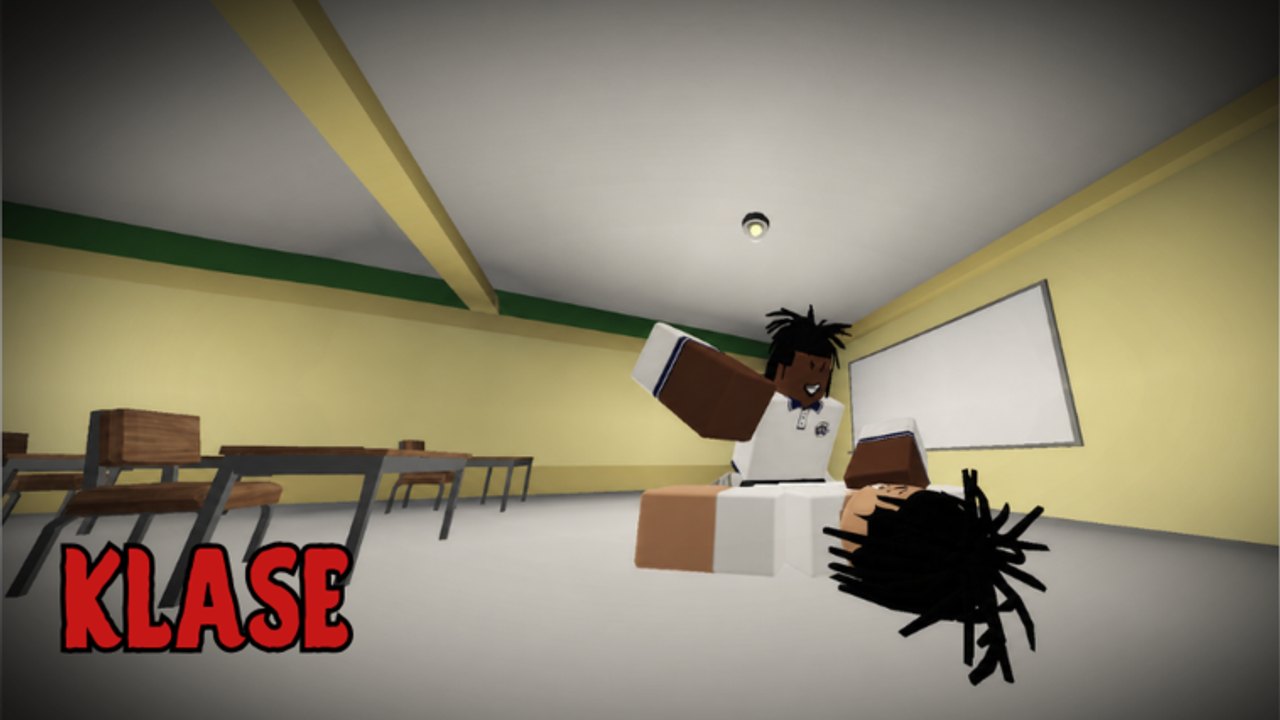
KLASE includes in-game chat commands for redeeming promo codes and transferring in-game cash to other players. These commands are entered directly through the standard Roblox chat interface — there is no separate command console, menu, or GUI. This guide covers the exact format for each command, practical examples for everyday use, and tips to avoid common mistakes that cause commands to fail.
How chat commands work in KLASE
All KLASE chat commands are typed into the standard Roblox chat window. Open chat by pressing the chat key or clicking the chat button, type your command, and press Enter to submit. There is no special terminal or admin panel — the same chat window you use to talk to other players handles all commands.
Commands in KLASE follow a simple structure: a forward slash followed by the command name, then any required arguments separated by spaces. The game processes the command when you press Enter and displays a result or error message in chat.
The /code command for promo codes
The /code command redeems promotional codes for in-game cash rewards. This is the primary way to claim bonus currency in KLASE.
Command format:
/code CODENAMEWorking examples from September 2026:
/code 2MVISITS— grants 50,000 Cash/code TOPTRENDING— grants 25,000 Cash/code BUGFIXED— grants 30,000 Cash
After entering the command, KLASE processes the code and adds any reward to your account automatically if the code is valid and has not already been redeemed by your account. If the code is invalid, expired, or already used, the game displays an error message in chat.
Important rules for code redemption:
- Enter the code exactly as shown, including any numbers and capital letters
- Codes are case-sensitive — typing
2mvisitsinstead of2MVISITSwill fail - Do not add extra spaces within the code name
- Each code can only be redeemed once per account
- If a code does not work, check the Codes Hub for the current active list before trying alternatives from server chat
For the full list of currently active codes with exact rewards, visit the Codes Hub. Always verify codes through this wiki or the official Roblox game page rather than trusting random messages posted in server chat, which are often outdated or completely fabricated.
The /give command for player-to-player transfers
The /give command lets you transfer in-game cash to a nearby player. This is useful when playing with friends, helping new gang members get started, or chipping in during group activities.
Command format:
/give playername amountExample uses:
/give CoolPlayer2000 100— transfers 100 cash to CoolPlayer2000/give MyFriend 500— transfers 500 cash to MyFriend/give GangMember01 1000— transfers 1,000 cash to GangMember01
The player must be in the same server and relatively close in-game for the transfer to succeed. The amount is deducted from your balance immediately when the command processes, and the recipient sees the cash added to theirs.
Important rules for /give transfers:
- Always confirm the player name is spelled correctly before sending — names with special characters or numbers are easy to mistype
- Double-check the amount before pressing Enter — transfers cannot be undone or reversed
- Make sure you have enough cash in your balance to cover the transfer amount
- Transfers only work with players currently in the same server
- You cannot transfer cash to yourself
General command syntax tips
Capitalization: Command names themselves (/code, /give) work in any case — /CODE, /Code, and /code all function identically. However, the arguments that follow may be case-sensitive. Promo codes should always be entered exactly as shown, with capital letters in the correct positions.
Spacing: Commands must have exactly one space between the command name and its first argument. Extra spaces, missing spaces, or trailing spaces can cause commands to fail silently or return errors.
Player names with spaces: If a player name contains spaces, some Roblox chat implementations may require quotes around the name. The exact behavior depends on your Roblox client version. If a transfer fails with a spaced name, try using the player’s exact display name without quotes first, then experiment with quotes if needed.
Command confirmations: After sending any command, watch the chat for a confirmation or error message. KLASE will respond in chat to let you know whether the command succeeded, failed, or requires a different format. Read these responses carefully — they often explain exactly what went wrong.
Common command errors and how to fix them
Code not recognized: The most common cause is a typo in the code name. Common mistakes include confusing capital O with zero, small L with number 1, and missing characters. Copy the code directly from this wiki rather than retyping it.
Transfer failed: If a /give command fails, check that the player is actually in the same server, that you have enough cash, and that the player name matches exactly. Some players use special characters or unicode symbols in their names that are easy to mistype.
Command not found: This usually means the command was typed incorrectly, has extra spaces, or was sent while chat was not properly open. Make sure you press Enter after typing the full command.
Related pages
For active promo codes to redeem, visit the Codes Hub. For step-by-step code redemption walkthroughs, see How to Redeem Codes. For game controls and combat mechanics, see the Controls Guide. For stamina management and supplies, read Stamina. For gang creation and team coordination, see Gangs.
Frequently Asked Questions
Quick answers for KLASE combat, codes, and campus fights.
How do I redeem a promo code in KLASE?
Open Roblox chat and type /code followed by a space and the code name exactly. Example: /code 2MVISITS. Press Enter to submit. The game will confirm success or failure in chat.
How do I give money to another player in KLASE?
Use the /give command: /give [playername] [amount]. Example: /give CoolPlayer2000 100. The player must be in the same server and nearby. Transfers cannot be reversed.
Why is my code not working?
Codes are case-sensitive. Make sure you typed it exactly as shown — 2MVISITS not 2mvisits. If it still fails, check the Codes Hub for the current active list; the code may have expired.
Can I undo a /give transfer?
No. Once you send the /give command and it processes, the transfer is final. Always double-check the player name and amount before pressing Enter.
Are KLASE commands case-sensitive?
Command names (/code, /give) work in any case. However, code redemption codes themselves are case-sensitive and must be entered exactly as shown.
Can I transfer cash to myself?
No. The /give command only works with other players in the same server. You cannot transfer cash to your own account.
What do I do if a command fails?
Read the error message in chat for the specific reason. Common fixes: check spelling, verify the player is online and nearby, confirm you have enough cash, and ensure proper spacing in the command.