KLASE Gang System
Build your crew, pick colors, invite members, and dominate the 50-player campus as a team.
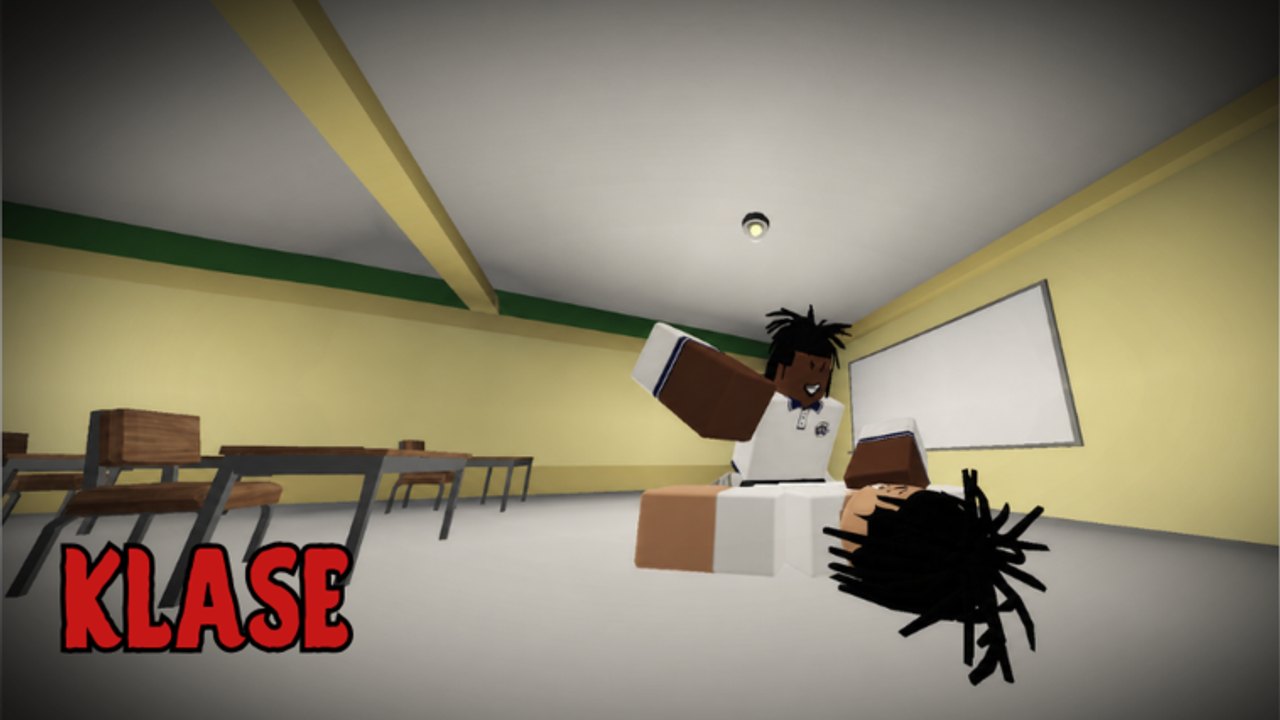
Gangs are the social core of KLASE. You can join an existing gang or create your own group using a Roblox Community ID, then fight together against other crews on the Philippine school campus. This guide covers how to create a gang, how to customize it with colors and shirts, how to recruit members, how gang fights work, and how to check rankings. If you are new to KLASE, read Getting Started and Controls before organizing a crew.
What a gang is in KLASE
A gang in KLASE is a named team of players who can fight together, recognize each other by color and shirt, and organize coordinated attacks against other crews. Gang members cannot normally hurt each other, which makes it easier to work as a unit in the 50-player campus. You can create a gang from scratch or join an existing one if you know the group name.
Gangs are not official Roblox groups. They are in-game teams tied to the KLASE experience. You need a Roblox Community ID to create one, but the gang itself lives inside KLASE servers, not on your profile.
How to create a gang
Creating a gang requires a Roblox Community ID. If you do not have one, you cannot create a gang in KLASE yet. The basic process:
- Open the gang or community menu in KLASE.
- Go to your Roblox Community settings.
- Copy your community’s Group ID.
- Enter the ID into the gang creation section in KLASE.
- Choose your gang’s name and color.
- Optionally add a custom shirt asset ID.
- Create the gang and start inviting players.
The gang menu is where you manage everything after creation: invite members, change colors, update the shirt, and check who is online.
Gang colors
When you create a gang, you pick a color. This color displays with your character and makes it easy to identify teammates in a crowd. On a 50-player campus with multiple gangs, color recognition matters. You need to spot your crew at a glance during a courtyard pile-up or a classroom brawl.
Choose a color that stands out against the default school uniform. Popular choices contrast with white uniforms and the green-roof building background. Once set, the color applies to all current members. Change it anytime through the gang menu.
Custom gang shirts
You can add a custom shirt to your gang using a Roblox shirt asset ID. Once configured, all members can wear the gang’s shirt as a uniform. This is useful for visual identity: instead of relying on color alone, members share a matching shirt that makes them instantly recognizable.
To set a custom shirt:
- Create or find a shirt asset in Roblox.
- Get the shirt’s asset ID.
- Enter the asset ID in the gang customization menu.
- Members of the gang can now equip the shirt.
Make sure you use a valid Roblox shirt asset ID. The game reads this ID directly. If the asset is invalid or deleted, the shirt will not appear.
How gang fights work
Gang fights are the main reason to organize a crew. When your gang meets another gang in a server, you can coordinate attacks, cover each other, and take territory on the campus. The key mechanic is that gang members cannot normally attack each other, which means you can fight as a unit without worrying about friendly fire.
Effective gang fights require communication. Decide before a fight:
- Who engages first and who follows up.
- Who watches the doorway for reinforcements.
- Who goes for the finisher and who protects the rescuer.
Without coordination, a gang fight becomes a 50-player free-for-all. With coordination, your crew can control a classroom, a courtyard section, or the flag area.
Finding and fighting enemies
Gang enemies are usually other organized crews. Watch the campus for players with matching colors or shirts. If you see a group moving together, they are probably a gang. You can challenge them by engaging in the courtyard or pulling them into a classroom.
When you are being chased, a gang mate can intercept. When you are down, a teammate can finish the attacker. This is why gangs matter: solo play gives you one body, but a gang gives you backup.
Gang rankings
The gang menu shows rankings for all gangs in KLASE. You can see which crews are currently the strongest, how many members they have, and their recent activity. Checking rankings helps you decide whether to pick a fight or wait for a better moment.
Top gangs tend to have coordinated members, matching shirts, and consistent online presence. If you are starting a new gang, the ranking page tells you who you are competing against.
Finding a gang location
Some gangs claim specific areas of the campus as their territory. A classroom, a courtyard corner, or the area near the green-roof building can become a gang’s home base. Having a meeting spot makes it easier to regroup after a fight or to organize a large gang battle.
You can use certain areas for one-on-one practice sessions with other gang members. This is useful for learning each other’s habits before you fight together in a real server.
Building a strong gang
A strong gang needs more than numbers. Key factors:
- Communication. Voice chat or quick text planning helps during fights.
- Consistency. Regular members who show up together are better than a large roster that never coordinates.
- Customization. Matching colors and shirts make your gang memorable.
- Strategy. Assign roles: who rushes, who defends, who goes for finishers.
Playing with friends makes the gang system much more enjoyable. You can organize larger fights and potentially participate in gang wars against other groups.
Stamina and supplies for gang fights
Before a large gang battle, make sure your members have supplies. Energy drinks restore stamina, which is important when you need to dash repeatedly during a prolonged fight. Food items help manage resources during combat. Do not wait until your stamina is empty before thinking about recovery.
Carry energy drinks and food into a serious gang fight. The clinic on the map can heal you quickly if you get caught without supplies, but it is better to manage stamina during the fight than to retreat to the clinic.
Related pages
Gangs tie into the combat system because fighting as a team changes how you use dash, parry, and heavy attack. Read How to Win for group strategies. Use the control sheet so your gang members all know the same keys. Check Updates after patches that might affect gang mechanics.
The Players Hub covers playstyle roles that work well in gang contexts. Aggressive and Defensive players serve different purposes in a coordinated crew.
Frequently Asked Questions
Quick answers for KLASE combat, codes, and campus fights.
How do I create a gang in KLASE?
You need a Roblox Community ID. Open the gang menu in KLASE, enter your community's Group ID, pick a name and color, optionally add a shirt asset ID, and create the gang.
Can I join an existing gang?
Yes. If you know a gang's name or have an invite from a member, you can join through the gang menu without creating a new one.
What is a custom gang shirt?
You can add a Roblox shirt asset ID to your gang. Once set, all members can wear the matching shirt as a uniform for visual identity.
Can gang members hurt each other?
No. Gang members cannot normally attack each other, which makes coordinated fighting easier and prevents friendly fire.
How do I check gang rankings?
The gang menu has a rankings section that shows all gangs, their member counts, and their current standing on the KLASE campus.